Homeschool loop schedule app
Keep moving through the list—without falling behind.
Create flexible homeschool loops and weekday rotations that remember what comes next, appear in Daily Flow when useful, and continue from the right place tomorrow.
14 days free. No credit card. No automatic charge.
Then $9.99/month or $79/year for your whole family. See family pricing.
Morning beauty loop
Up next
14 days free. No credit card. No automatic charge.
Then $9.99/month or $79/year for your whole family. See family pricing.
A rhythm that survives real life
Let the next item follow the work instead of the calendar.
A loop moves to its next item on each scheduled day, even if you have not marked today’s work done. Use Pause to keep unfinished work for the next scheduled day; it resumes automatically then. A weekly rotation gives each activity its own days of the week.
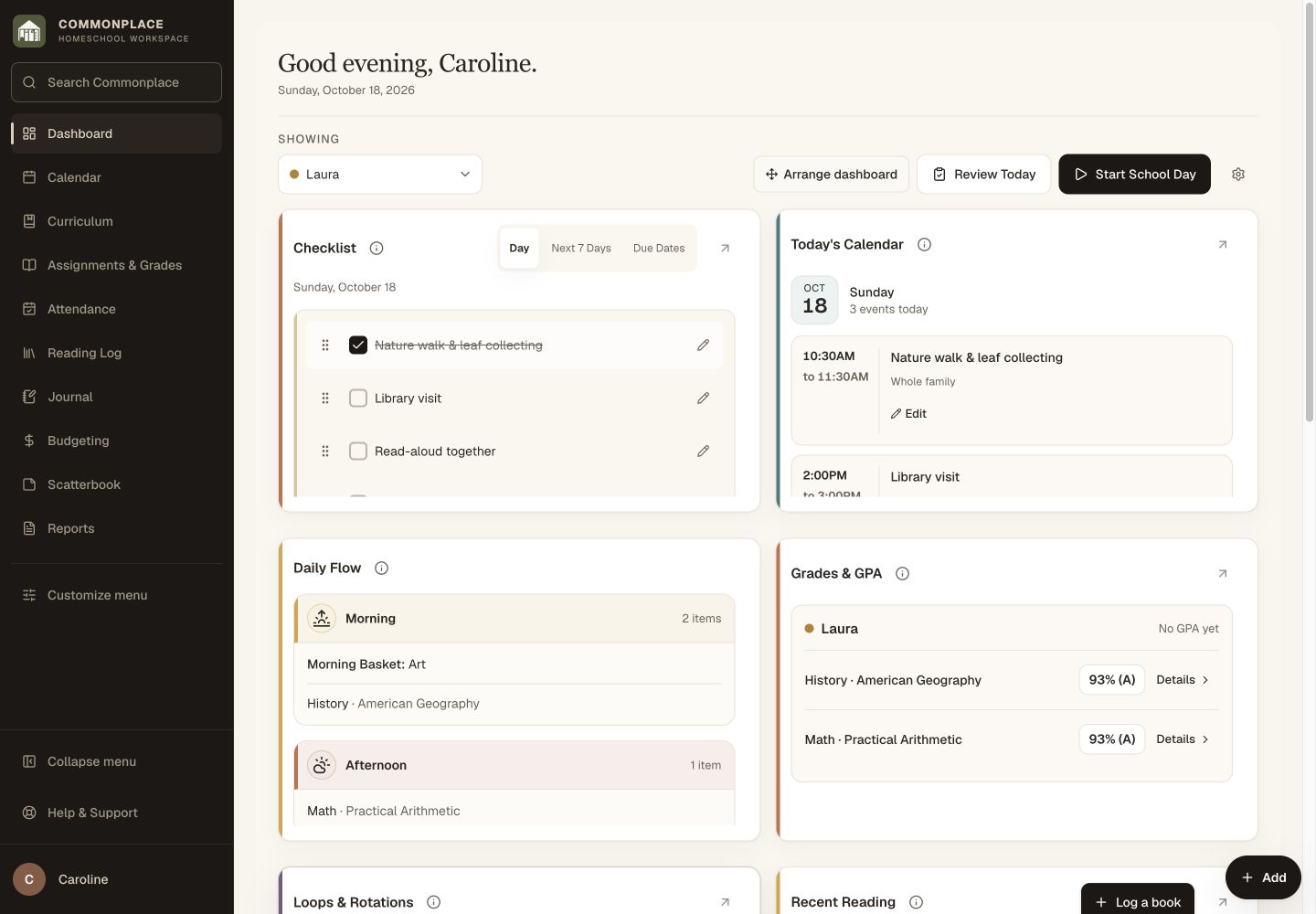
Fictional family data shown. Loops can appear alongside the rest of the day without becoming graded coursework.
Two useful kinds of repetition
Choose a loop or rotation for the way the work actually returns.
Continuous loop
Move through an ordered list one item at a time, then begin again when you reach the end.
Weekly rotation
Give selected weekdays their own recurring items for routines that depend on the day of the week.
Flexible items
Use named activities or connect subjects, keeping the list as simple or descriptive as it needs to be.
Students or family
Set up routines for a particular learner or use them for work the family completes together.
Daily Flow
Choose an optional time block so the current item appears in the day’s natural sequence.
Pause, resume, and reverse
Pause unfinished work for the next scheduled day, or choose Resume to bring it back today. If you marked it done by mistake, choose Mark incomplete first.
Build the rhythm once
See only what is next, then let the loop advance.
Loops reduce the pressure to squeeze every worthwhile subject into every school day.
Name the routine
Create a continuous loop or weekday rotation for the student or family.
Add the items
Arrange subjects and activities in the order you want them to return.
Complete and continue
Check off today’s item and let Commonplace remember what should come next.
Common questions
Homeschool loop scheduling, in plain language.
What is a homeschool loop schedule?
It is an ordered list of subjects or activities. Each time you use the loop, you continue with the next item rather than assigning every item to a fixed date.
What happens when we miss a day?
Use Pause when you want to keep today’s subject for the next scheduled day. It resumes automatically then. Without pausing, the loop advances on each scheduled day, even if you did not mark the previous item done.
How is a weekly rotation different?
A rotation connects items to particular weekdays, while a continuous loop advances through its sequence regardless of the weekday.
Can a loop appear on the daily schedule?
Yes. Choose an optional time block to place the current item in Daily Flow, or leave it off Daily Flow and use the dashboard section.
Can loops receive grades?
No. Loops are flexible routines rather than courses or curriculum-linked assignments, so they do not receive grades.
Can I reuse a loop later?
Yes. You can end, reactivate, edit, or duplicate loops as the family’s rhythm changes.
Keep the good things returning without crowding the calendar.
Build a gentle sequence once, see what comes next, and continue at the pace of your actual homeschool.
Start your free 14-day trial14 days free. No credit card. No automatic charge.
Then $9.99/month or $79/year for your whole family. See family pricing.